
1. Open the Amazon App
Launch the Amazon app on your device.
2. Search “tax exemption wizard”
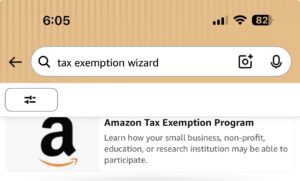
Search for “tax exemption wizard” in the Amazon search bar and click the “Amazon Tax Exemption Program“.
3. Select the “ Tax Exemption Wizard” Link
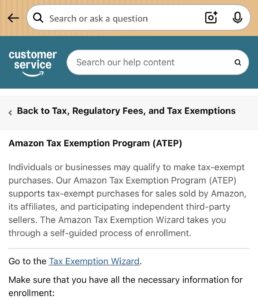
Select the underlined blue “tax exemption wizard“
4. Select FLORIDA as the state and press save and continue.
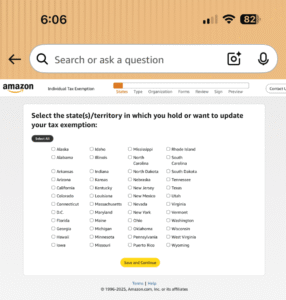
Make sure FLORIDA is the state selected in this section
5. Select “OTHER” as the tax exemption qualified for.
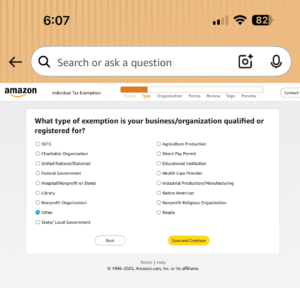
Please ensure you select OTHER as the selection in this section
6. Upload the tax exemption certificate from your device.
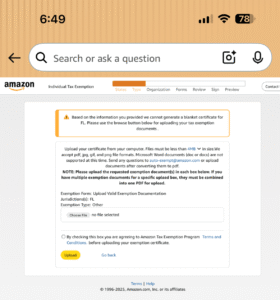
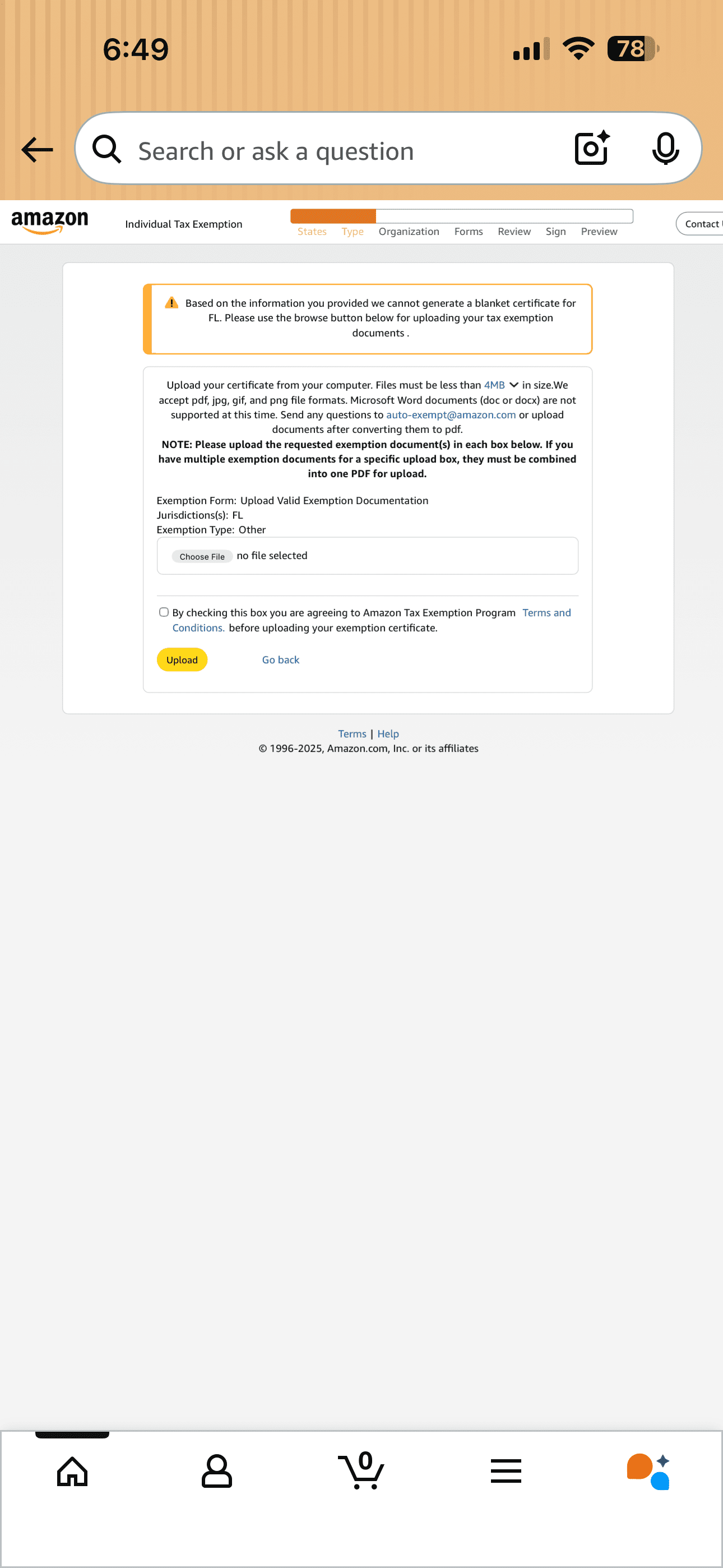
Upload the tax exemption certificate provided by Dash876 Couriers, accept the Terms & Conditions, press upload.
7. Confirmation
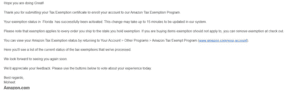
Amazon will send a confirmation email once your tax-exempt status is active.